Stocks● Neutral
PDF4WCAG 1.10 Adds Annotations Panel for Accessibility Checks
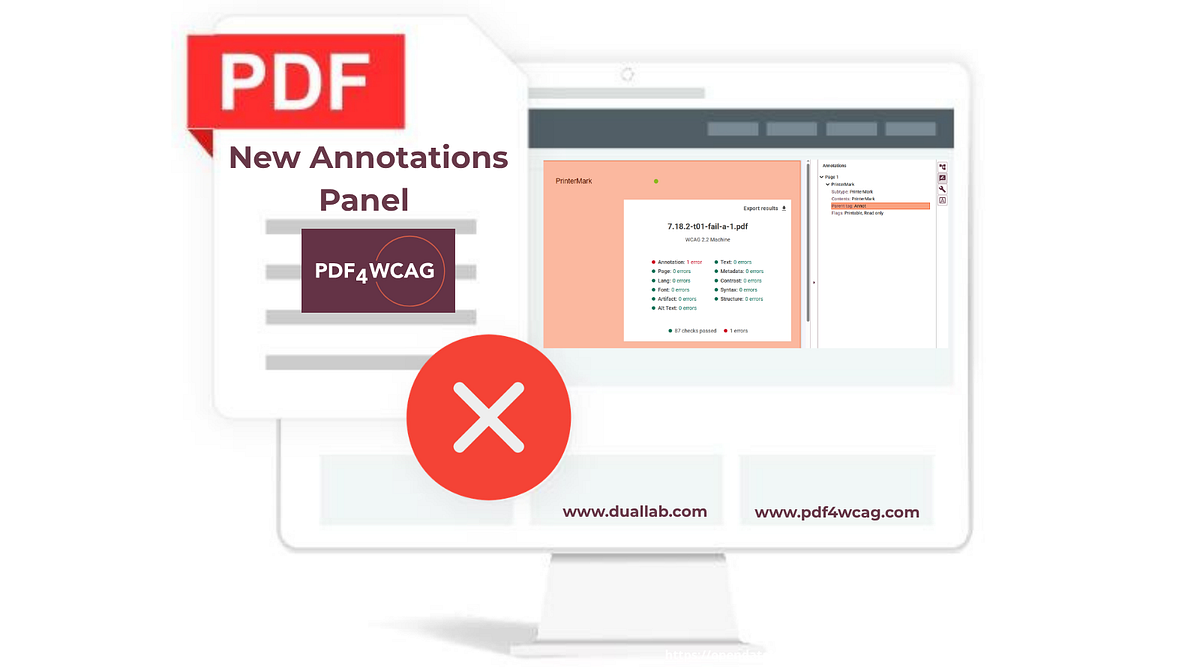
The new panel inspects interactive elements like links and form fields, helping users identify common accessibility failures. Settings persist between sessions.
Continue with
PDF4WCAG Accessibility Checker 1.10 introduces a dedicated Annotations panel that gives users deeper insight into interactive elements critical for accessibility compliance. The panel inspects all types of PDF annotations relevant to usability evaluation, including links, comments, interactive form fields, and multimedia. It provides visibility into common accessibility failures related to PDF annotations, supporting compliance with WCAG and PDF/UA requirements. Configuration settings are now persisted between sessions, meaning any custom filtering or view states the user applies will be remembered the next time the tool is opened.
How this story was producedLast reviewed Jul 13, 2026
Drafted by a large language model from the source reporting linked above, then screened by automated publishing checks. It is not read by a journalist before publication. Some articles cite our Alpha Score. Verify prices and figures against the original source. Educational coverage, not personalized advice.
Explore More
More from AlphaScala
Stocks
Boeing Locks $3B Revolver, $5B Liquidity Covenant After Expired Facility
Aug 29
StocksSalesforce data hits 40GB as agents rewrite CRM storage math
Aug 28
StocksExelon CFO Jones Steps Into New Finance and Strategy Role Oct. 5
Aug 28
StocksTokenized deposits risk $580B U.S. bank lending cut: report
Aug 28
StocksToneTag triples revenue as soundbox shifts to banking interface
Aug 22
StocksGradual Policy Build-Up Is the Market Risk Hiding in Plain Sight
Aug 20
Trading Q&A
How to start trading stocks as a beginner?
What is the S&P 500 index?
What is an ETF and how does it work?
What is a hedge fund?