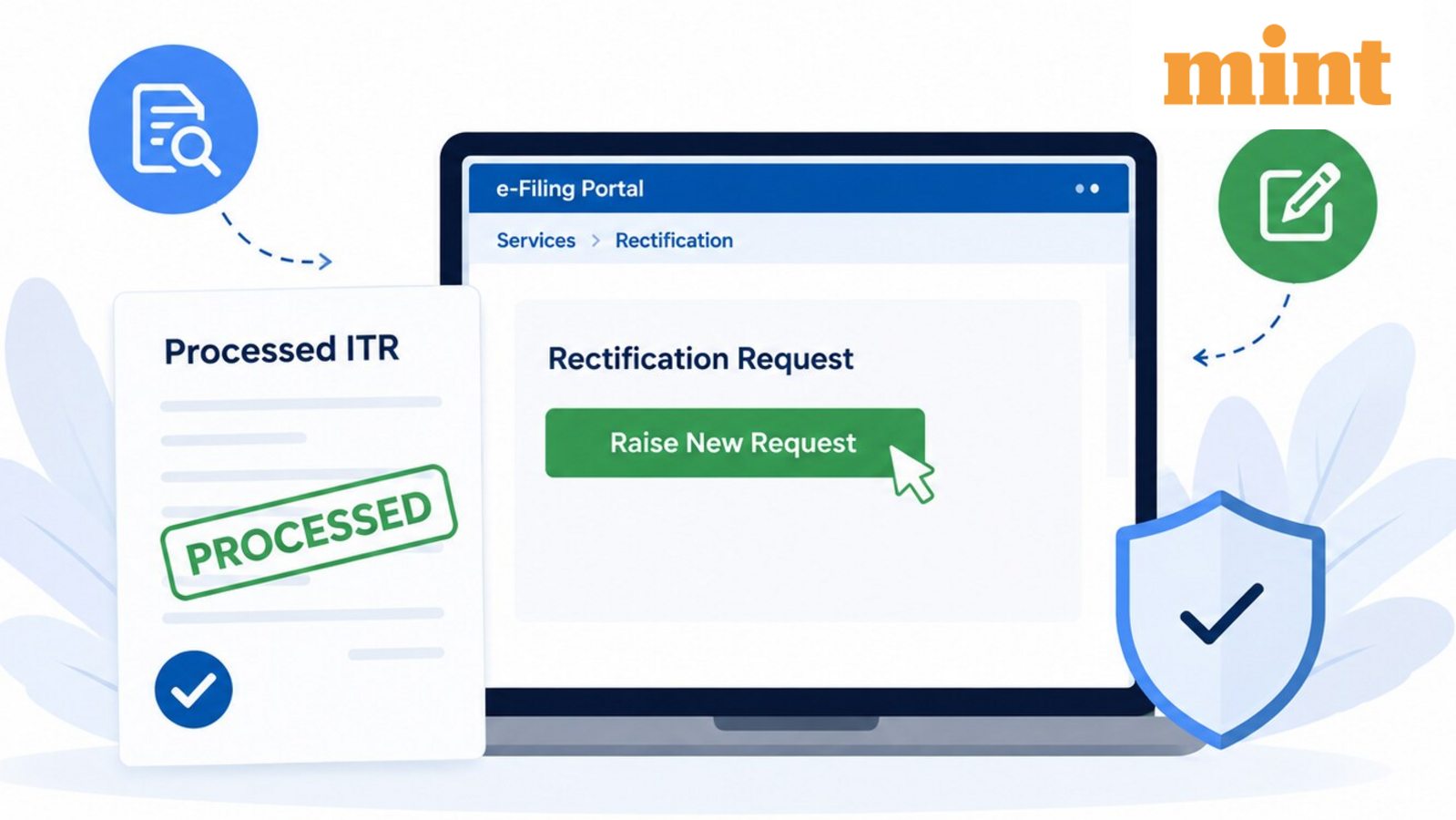
Rectification request fixes errors in processed ITR—missing TDS, wrong income head, or tax credit. Steps, limits, and when to file a revised return instead for AY 2026-27.
The Income Tax Department processes your return and sends a 143(1) intimation. That document shows what the department has on file: income, deductions, taxes paid, refund due, or tax owed. Spot a mistake? You can file a rectification request through the e-filing portal.
Rectification corrects errors visible from the department's records. It works only for returns already processed by the Centralised Processing Centre. Three request types exist, depending on the error.
Missing income, deduction, or tax credit – Use this when you reported correctly but the department ignored a valid claim. For example, a TDS amount that appeared in your return but was not credited during processing.
Wrong income head or information – This fixes mistakes in how you reported income, such as showing capital gains under “other sources.” You cannot use it to add new income, claim extra deductions, or change loss carry-forwards.
TDS, TCS, advance tax, or self-assessment tax errors – Correct wrong challan details or add eligible tax payments that were left out. You cannot claim credits not shown in your Form 26AS.
To raise a request, you need a registered account on the e-filing portal and a processed intimation (143(1) or 16(1) for wealth tax). If you use an e-Return Intermediary, add them through the “My ERI” feature. The intermediary must have an active status. Both you and the ERI need a valid Digital Signature Certificate or an Electronic Verification Code to authenticate the request.
Steps to submit a rectification request – Log in, go to Services, click “New Request” on the rectification page. Your PAN will auto-fill. Select “Income Tax,” pick the correct assessment year, and click Continue. Choose the request type that matches your error. After e-verification, the request is submitted. A confirmation message appears on screen, and an acknowledgement lands in your registered email and mobile.
This facility is useful but limited. If your mistake involves unreported income or a change to gross total income, you need to file a revised return instead. Rectification is not a second chance to amend your entire filing. It corrects processing errors, not reporting errors that change your tax liability.
What to watch for – The department usually processes rectification requests within a few weeks. If the correction lowers your tax demand or increases a refund, expect the updated intimation. If the error was a data mismatch – say, a TDS credit that never posted – verify that the deductor has filed their return. No correction can override a missing Form 26AS entry.
When rectification won't help – You cannot use it to change your income head from salary to business, or to claim a deduction you forgot. Those require a revised return before the original due date, or a belated return afterward. Rectification only fixes mistakes the department made while applying your original data.
The better read – Most taxpayers assume rectification is a catch-all fix. It is not. Before filing, check your 26AS statement and the intimation side by side. If the difference is a data-entry slip by the CPC – wrong PAN, wrong challan date, a missed deduction line – rectification works quickly. If the difference is a missing Form 16 or a TDS credit your employer never submitted, the fix is upstream: chase the employer, not the department.
What would confirm the fix – An updated intimation under Section 154 or a revised 143(1) notice showing the corrected figures. No notification after four weeks means the request is pending or rejected. You can track status on the portal.
What would weaken the case – A request that asks for a credit not visible in the department's records. The system rejects it automatically. Do not file a rectification for an amount that does not appear in your 26AS. It will be denied, and you will have to follow up through a separate grievance or appeal.
This is not investment advice. Tax rules change. Consult a qualified tax expert for your specific situation.
Prepared with AlphaScala research tooling and grounded in primary market data: live prices, fundamentals, SEC filings, hedge-fund holdings, and insider activity. Each story is checked against AlphaScala publishing rules before release. Educational coverage, not personalized advice.