Stocks● Neutral
How to complete your EPF nomination online: the step most people skip
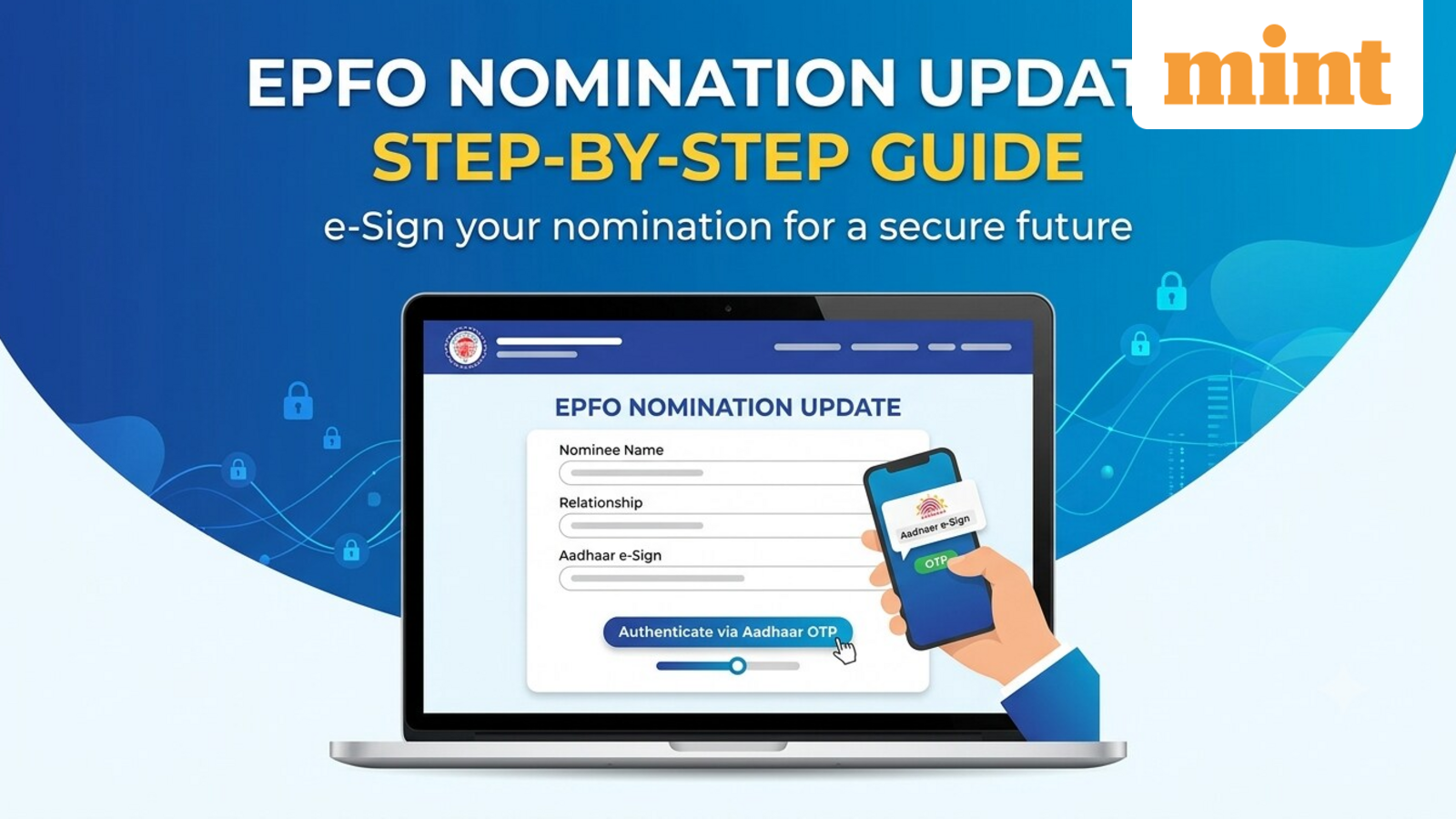
Entering nominee details on the EPFO portal is not enough. The nomination only becomes valid after Aadhaar-based e-Sign authentication. Here is the step most people miss.
Continue with
Most salaried employees know their EPF balance. Fewer know how that money reaches their family. A nomination decides who gets the provident fund, pension, and insurance benefits if you die. EPFO lets you update it online through the e‑Nomination facility. Many members enter nominee details on the portal and stop. That is not enough. The system requires Aadhaar‑based e‑Sign authentication to make the nomination valid.
The issue is especially relevant after marriage, divorce, the birth of a child, or the death of a nominee. A valid nomination simplifies the claim process for your family and cuts documentation during a difficult time.
Authenticate after saving
Here is the part most people miss. After you enter nominee details and save the nomination, EPFO sends an OTP to the mobile number registered with your Aadhaar. Enter that OTP. The nomination is then electronically signed and submitted. Without this step, the system treats the nomination as not filed.
Problems crop up when your Aadhaar‑linked mobile number is no longer active. You need to update it through UIDAI first. Your name and date of birth must match Aadhaar records. Gender should also match. Any mismatch blocks the authentication outright.
The full process