The EPFO portal now lets members handle UAN activation, KYC updates, and withdrawal claims online. But a data mismatch will stall everything. Here are the four checks that matter first.
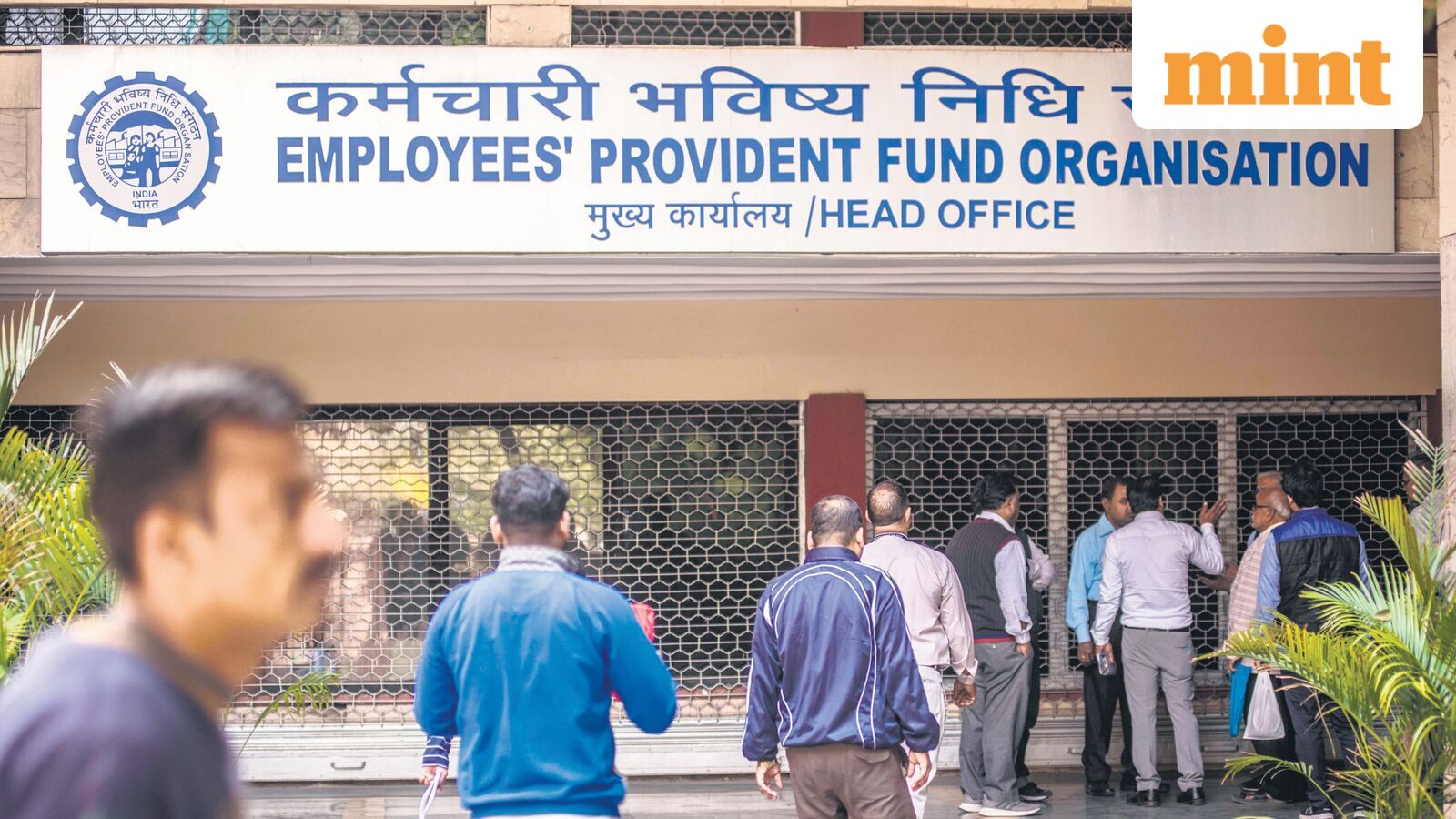
The Employees' Provident Fund Organisation has been rolling out a steady stream of upgrades to its online portal, bundling member services under a single digital interface. The revamp, which has included periodic maintenance downtime, aims to let members activate their Universal Account Number, update personal details, check records, and file withdrawal claims without an employer intermediary or an EPFO office visit.
The catch is that every one of those online functions depends on data accuracy sitting upstream. A mismatch in your Aadhaar, bank account, or KYC details can stall a claim before the portal even processes it. The member dashboard on the updated site does show the status of each field – KYC, nomination, bank seeding – but it will not route around a broken record.
Here is what needs to be checked first.
Activate the UAN. Without a live Universal Account Number, nothing else functions. The portal uses it as the primary key for every transaction. Activation itself is straightforward – the member provides the UAN and a linked mobile number – but accounts where the UAN was never activated will block every subsequent step.
Link Aadhaar and bank account. The system cross-references both against the EPFO record. A mismatch flags the account. The portal will not process a withdrawal until the discrepancy is resolved. For most members, this means logging in, navigating to the KYC section, and uploading the correct documents. The portal checks them against the UIDAI database and the member's bank records.
Confirm the mobile number is tied to Aadhaar. The portal uses OTP-based authentication for most online services. If the number on file is wrong or inactive, the member cannot log in at all. The fix requires updating the mobile number in Aadhaar first, then linking it to the EPFO record through the portal's profile section.
Verify the date of joining and date of exit. For a final PF settlement, these dates must be recorded correctly in the EPFO database. The system checks them against the employer's monthly returns. A gap or mismatch triggers a hold. Members can view their service history on the portal and raise a correction request if the dates do not match their employment records.
A valid nomination speeds up family claims. Without one, the process shifts to a manual verification track that can take weeks. The portal lists the nomination status on the member dashboard. Members can file or update it online.
For employees nearing a job change or retirement, the checklist is short: activate the UAN, link the bank account and Aadhaar, confirm the dates, and update the nomination. Everything else flows from those four steps.
Drafted by a large language model from the source reporting linked above, then screened by automated publishing checks. It is not read by a journalist before publication. Some articles cite our Alpha Score. Verify prices and figures against the original source. Educational coverage, not personalized advice.