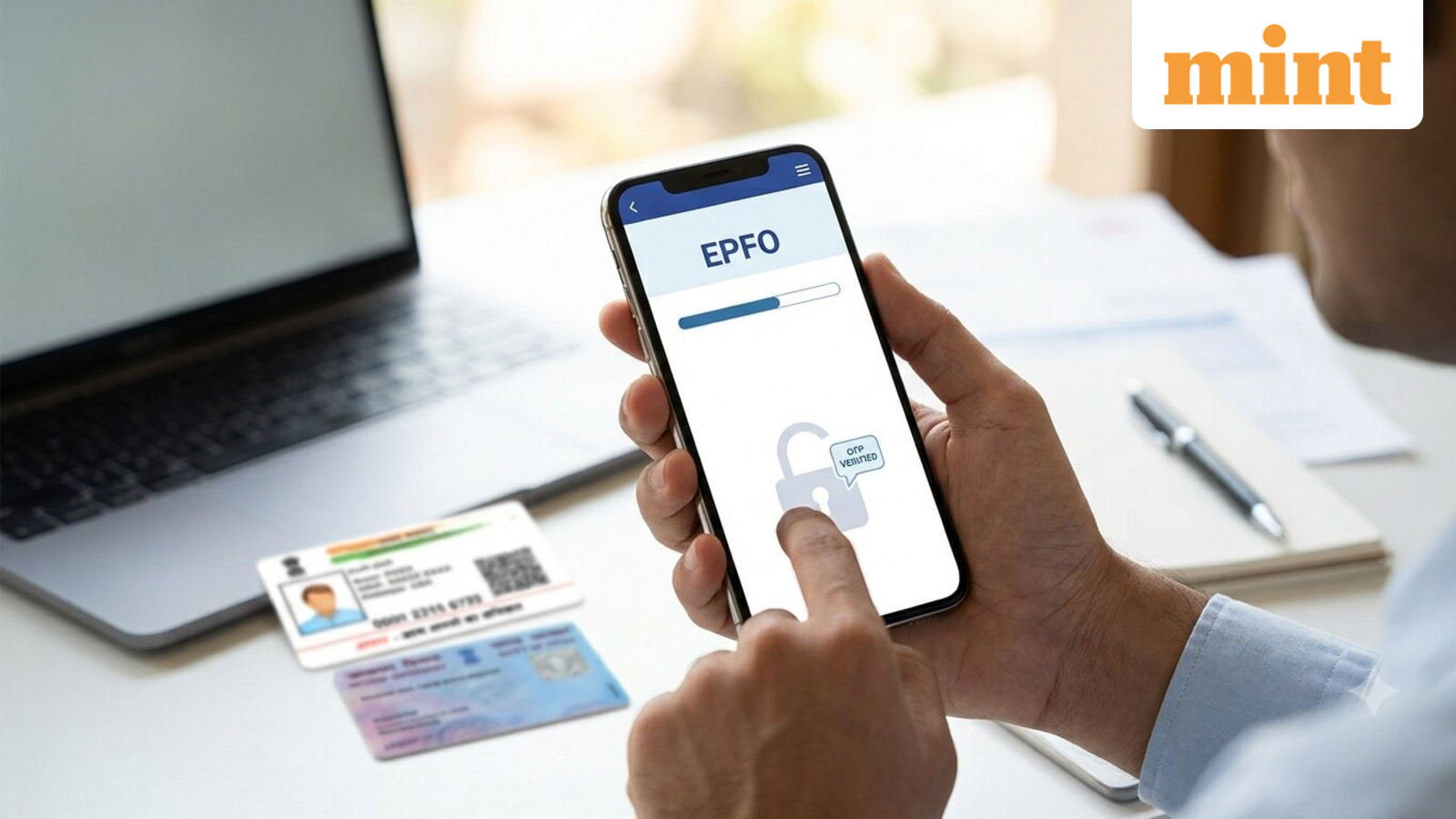
Thousands of EPF subscribers have reported errors in their service history on the EPFO member portal after the retirement fund body completed a major IT system migration. Overlapping employment records, missing companies, and incorrect joining dates are the most common complaints.
These errors can block PF transfers when you change jobs, delay withdrawals, mess up EPS service calculations, or trip up background checks with a new employer. Here is what to check and how to fix it.
The problem usually starts when an employee does not share their existing Universal Account Number with a new employer. That triggers a second UAN. Or the previous employer never updates the exit date, leaving the old job shown as active. The result: split or missing service history.
First, log in to the UMANG app and confirm that all your past and current PF accounts sit under a single active UAN. Then compare the joining date the portal shows against your appointment letter, salary slips, or employment contract. An incorrect date can make it look like you worked two jobs at once, which creates red flags during background verification.
If your previous employer has not entered a date of exit, the EPFO system will still list that job as current. Open the EPF passbook and check that contributions appear for every month at each employer. A gap may mean a reporting error or a deposit that never landed.
Check that your Aadhaar, PAN, and bank account details are verified. Mismatched KYC data can block proper linking of your service records.
For members whose UAN was issued before October 1, 2017, a fix requires an online joint declaration submitted through the employer. If the employer is no longer reachable – a closed establishment or a company that has shut down – you can submit a joint declaration signed by an authorised officer directly to the EPFO office, along with supporting documents.
If the UAN is not Aadhaar-validated, or if the request comes from a claimant after a member's death, a physical joint declaration must go through the employer for EPFO approval.
You can also file a complaint on the EPFO grievance portal (epfigms.gov.in). Attach supporting documents: appointment letters, relieving letters, salary slips, Form 11, Form 16, UAN service history, PF contribution records, and proof of the actual joining and exit dates.