Stocks● Neutral
Why Your ITR Filing Needs AIS, Not Just Form 16
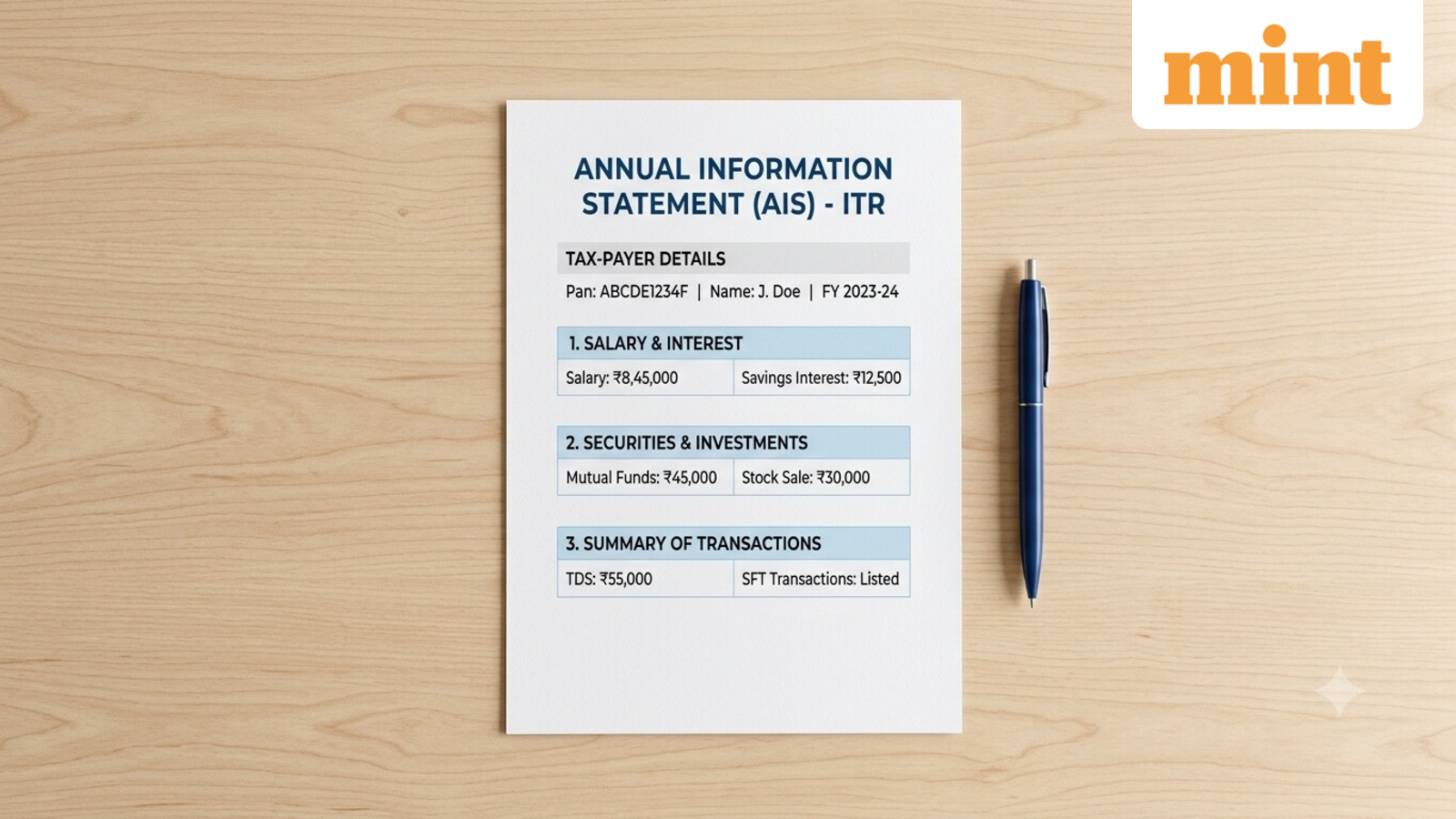
AIS pulls in TDS, dividends, mutual funds, foreign remittances, and SFT data that Form 16 and Form 26AS miss. Download steps and password format included.
Continue with
The Annual Information Statement (AIS) is the Income Tax Department's consolidated view of your financial year. It pulls in TDS, TCS, specified financial transactions, dividend and mutual fund data, foreign remittances, and even GST return information. Form 16 only covers salary income and the TDS your employer deducted. Form 26AS, since AY 2023–24, has been trimmed to mostly TDS and TCS entries. AIS is wider and deeper.
Taxpayers who rely solely on Form 16 risk missing income from interest, dividends, or securities transactions that the department already knows about. That mismatch can trigger a notice. The AIS lets you see what the department sees before you file, and you can flag errors through the feedback mechanism.
What AIS Captures That Form 16 and 26AS Miss
Form 16 is an employer-issued certificate. It breaks down salary components, exemptions, and deductions under Chapter VI-A. It is specific to employment income. Form 26AS, historically a tax credit statement, now largely reflects only tax deducted or collected at source. Neither captures the full picture.
AIS, by contrast, includes:
- TDS and TCS details (same as Form 26AS)
- Specified financial transactions (SFT) – bank deposits, credit card payments, mutual fund purchases, property deals
- Tax payments – advance tax, self-assessment tax
- Refund and demand records
- Pending and completed proceedings
- Data from government bodies and regulators – GST returns, foreign remittances, dividend and mutual fund transactions, interest on income tax refunds, depository reports
The AIS is structured in two parts. Part A holds your PAN, masked Aadhaar, name, date of birth or incorporation, contact info, and address. Part B carries the financial data: TDS/TCS codes and values, SFT information, tax payments, refunds, demands, salary annexure details, interest on refunds, and foreign remittance or currency purchase transactions.